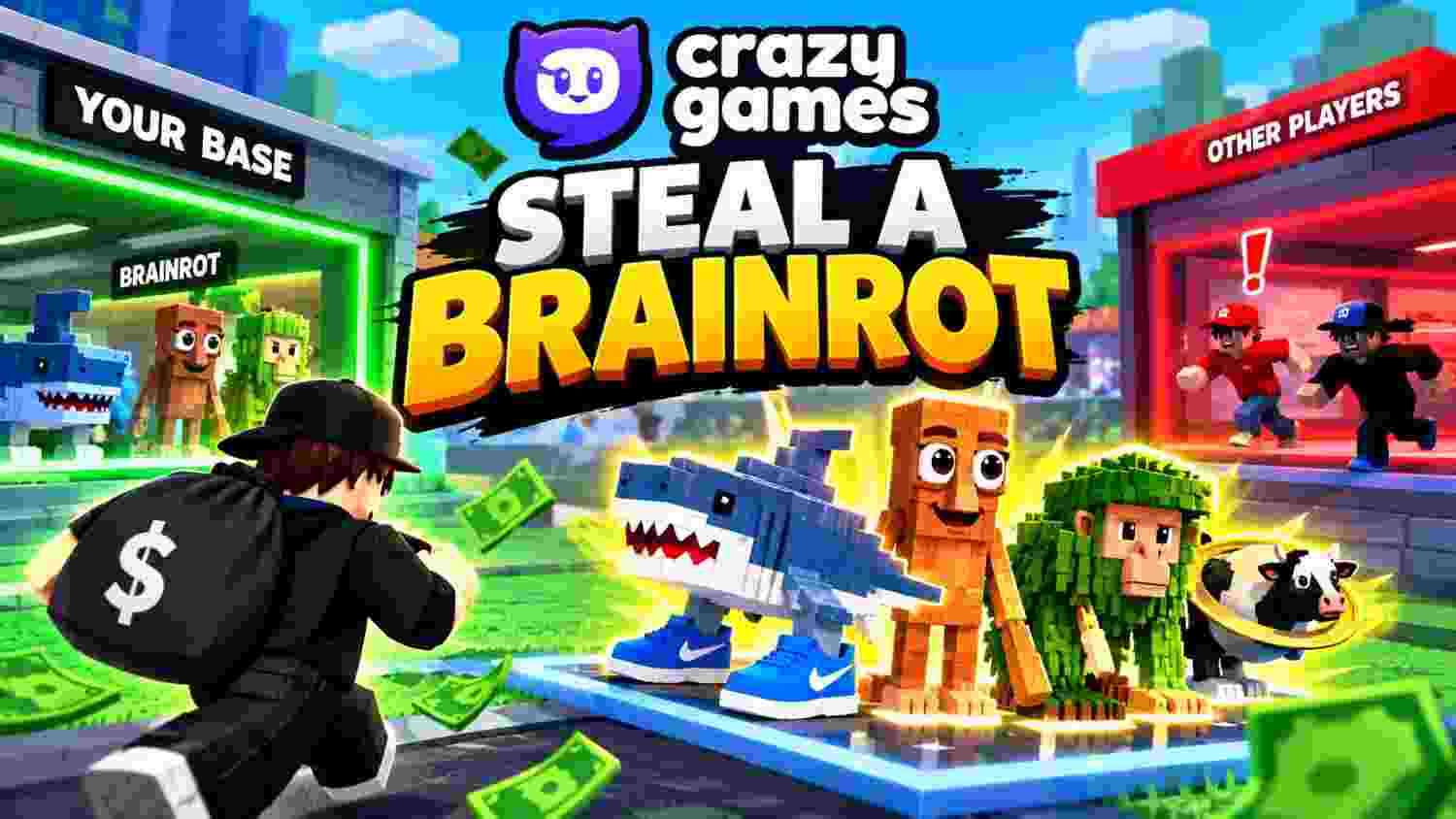
Can You Play Crazy Games Steal a Brainrot in 2026?
Looking for Crazy Games Steal a Brainrot but finding old pages, clones, or a Roblox link instead? That mix-up can waste time and send you to a version you did not mean to open. The official listings show that the CrazyGames page for Steal Brainrot Online now says the game is unavailable, while the original Roblox experience has its own listing. This guide explains the difference and gives you safe next steps.
Is Crazy Games Steal a Brainrot playable on CrazyGames today?
Short answer: not through the page we checked. The official CrazyGames listing for Steal Brainrot Online displays the notice, “This game isn’t available anymore.” The notice refers to that browser-game listing; it does not mean every brainrot-themed game on the site or the Roblox original has disappeared.
Availability can change by date, region, device, or platform decision. Treat an old search snippet, video, or guide as historical information until the game page itself loads and offers a working Play button. This guide records the status visible on October 3, 2026, rather than promising that it will remain the same.
What does Crazy Games Steal a Brainrot mean?
People who type Crazy Games Steal a Brainrot may mean one of two different experiences. One is Steal Brainrot Online, a browser title listed by CrazyGames and credited there to Playme. The other is Steal a Brainrot, the Roblox original listed under BRAZILIAN SPYDER.
The names and basic idea overlap: collect strange meme characters, earn in-game money, and try to take valuable characters from other players. But the games do not share one developer or one launch page. CrazyGames describes its former browser title as an alternative version of the Roblox game, which is a useful distinction for anyone searching for the exact original.
The same search can also refer to the Roblox title, so the word “Crazy” in the query does not by itself prove that a browser copy exists.
One small naming detail causes more confusion: the platform styles its brand as CrazyGames, written as one word, while many players search for “Crazy Games.” This article uses the spaced phrase when discussing the search query and uses CrazyGames when referring to the platform itself.
What is the status of the CrazyGames listing?
The page still contains a game title and descriptive information, but its live player area says the game is no longer available. If you searched for Crazy Games Steal a Brainrot after seeing an old gameplay clip, trust that live notice before an old snippet. A page can remain indexed or appear in search results after a game stops launching, so a visible title alone is not proof that you can play it.
For the most reliable check, open the official listing directly. Look for an active Play button, wait for the game to load, and read any notice shown in the game frame. If the page shows an unavailable message, there is no browser setting that can force that particular listing to run.
The page’s older details are still useful as a record of what the game was like. They should not be treated as a guarantee about the current version, controls, rewards, or availability. That distinction matters when a guide promises that Crazy Games Steal a Brainrot is “working today” without checking the live page.
What is the original Roblox game?
Steal a Brainrot is a multiplayer collecting and base-defense experience on Roblox. Its official description gives a simple loop: buy a Brainrot, steal Brainrots from other players, generate money, rebirth, and use slaps or other gear for playful interference. The Roblox page lists BRAZILIAN SPYDER as the creator and says the experience supports desktop, mobile, and tablet. 2
The game turns a collection into an income engine. Characters placed at a player’s base produce money, which can fund more purchases and help a collection grow. At the same time, other players may try to take those characters, so the owner has to balance expansion with defense.
If by Crazy Games Steal a Brainrot you mean the original rather than a browser adaptation, the Roblox listing is the authoritative destination for that version.
The official Roblox page labels the experience Minimal and lists occasional or mild violence. That label is a starting point, not a substitute for checking the current page, family settings, and chat controls. Parents and younger players should review those settings before joining a public server.
Roblox’s listing also shows a recent update date of October 1, 2026. That makes the official page a better source for the original’s present status than an old browser-game guide. It does not make the Roblox game identical to the separate CrazyGames version.
How did the browser version work?
The CrazyGames page describes Steal Brainrot Online as a casual multiplayer heist game. Players could buy characters from a conveyor or enter another player’s base to steal one, then return it to their own base so it could generate income. The more valuable the collection became, the more attractive it looked to other players.
For anyone reading about Crazy Games Steal a Brainrot, these are the browser listing’s described mechanics—not features verified in a live build.
A successful raid required more than running in and grabbing a character. The listing says carrying a stolen Brainrot slowed the player, removed access to items, and alerted the owner. That gave the defender a chance to chase the thief and recover the character, while the thief had to make it back to base.
These details come from the CrazyGames listing, not a fresh test of a live build. The page currently marks the game unavailable, so the steps explain the listed mechanics rather than promising that a playable version will launch today.
CrazyGames version vs. Roblox original
The table below helps separate the two titles before you click. It also answers a common version of the Crazy Games Steal a Brainrot query: “Which game am I looking at?”
| Detail | Steal Brainrot Online on CrazyGames | Steal a Brainrot on Roblox |
| Platform listing | CrazyGames browser-game page | Roblox experience page |
| Developer shown | Playme | BRAZILIAN SPYDER |
| Status checked Oct. 3, 2026 | Page says the game is unavailable | Official Roblox page is listed and shows an Oct. 1, 2026 update |
| Main loop | Buy or steal Brainrots, defend a base, build income | Buy Brainrots, steal from players, generate money, rebirth |
| Device information | The older page lists browser and CrazyGames app support | Roblox page says desktop, mobile, and tablet support |
| Best next step | Check the official page; do not rely on cached snippets | Open the official Roblox listing if you want the original |
When you look up Crazy Games Steal a Brainrot, check the developer and status rows first. They tell you which product the page describes and whether it can launch.
The titles share a theme, but their developers and access points differ. If a page asks you to download an unofficial APK, browser extension, or “unlocker” to get the unavailable CrazyGames version, leave that page. A similar name does not prove that a download is safe or connected to either developer.
How to check the game before you try to launch it
Use this quick checklist whenever a search result claims that Crazy Games Steal a Brainrot is playable:
- Open the official CrazyGames page. Check the page title and the game’s current status, rather than relying on a reposted link.
- Read the live notice. A message that says the game is unavailable means the listing cannot currently launch it.
- Confirm the developer and platform. The browser listing names Playme; the Roblox original appears on Roblox under BRAZILIAN SPYDER.
- Avoid look-alike downloads. You should not need an unrelated installer, extension, or password-sharing step to test a browser listing.
- Choose a legitimate alternative if needed. If the page stays unavailable, look for another game on the platform or open the Roblox original’s official page.
This simple process prevents a common mix-up: search engines can display old descriptions even when the game page has changed. The page that launches the experience—not a thumbnail, fan wiki, or video—is the best place to confirm current access. It is the fastest reliable way to answer a Crazy Games Steal a Brainrot availability question without guessing from old clips.
Controls for desktop and mobile
The CrazyGames listing’s published controls describe a typical keyboard-and-mouse setup. Because the game page is unavailable at the time of review, treat this as historical guidance, not confirmation that those controls work in a live session. 1
| Device | Controls shown on the old listing |
| Desktop | WASD to move, Space to jump, E to interact |
| Mobile or tablet | Left joystick to move, swipe to look around, arrow button to jump, hand icon to interact |
If you searched Crazy Games Steal a Brainrot for controls, note the date: the inputs below come from an older listing and may not work in a live game now.
If the original Roblox game uses different prompts, follow the instructions shown inside Roblox. On mobile, rotate the device if the game requests landscape mode, keep the touch controls clear, and avoid tapping third-party ads or overlays that imitate game buttons.
Can you play it in a browser without a download?
The former CrazyGames listing described Steal Brainrot Online as a browser game for desktop, mobile, and tablet, with support also listed for the CrazyGames app. But the same official page now says it is unavailable, so browser support in an old description does not mean the game can currently start.
So if you want Crazy Games Steal a Brainrot with no download today, the official page currently does not provide that route.
The Roblox original is hosted on Roblox, not inside that CrazyGames browser page. Its official description lists desktop, mobile, and tablet support, but the platform may show its own sign-in, app, age, or device prompts. Follow the official Roblox flow rather than entering account details on a fan site.
Similar games to try on CrazyGames
If you want the same mix of meme characters and rivalry, CrazyGames lists Brainrot Arena Online as a separate game. Its page describes an arena-style collection loop where players earn characters, grow their collection, protect a base, and compete with other players. It is not the same title as Steal Brainrot Online or the Roblox original. 3
If Crazy Games Steal a Brainrot does not open, choose a substitute by gameplay loop rather than assuming it shares the same saves, characters, or account.
The right substitute depends on the part you enjoy most:
- For stealing and defending: Look for a current collect-and-compete game with base protection.
- For collecting without raids: Try a merge or idle collection game with a similar meme theme.
- For quick sessions: Choose a simple browser game with clear controls and short rounds.
- For the original social experience: Use the Roblox listing and check its current server and account requirements.
Before you switch, check the game’s page for its developer, device support, controls, and any content label. CrazyGames may update or remove titles, and two games with the same meme characters can still have different rules and saving systems.
Safety, accounts, and fair play
A game about stealing characters uses “steal” as a game mechanic. It does not give a player permission to take another person’s password, Robux, account, or real-world property. Anyone searching for Crazy Games Steal a Brainrot should never share a password to get a game or a rare character. Never share your login, recovery code, or email access with someone who promises a rare Brainrot or a free upgrade.
Use the official game page and platform controls. On Roblox, review the experience’s maturity label, privacy settings, and chat settings with a parent or guardian if you are under 18. The official listing for Steal a Brainrot shows a Minimal label and occasional or mild violence, so families can use that information when deciding whether to play. 2
For browser games, close pages that demand an unrelated download to “fix” an unavailable game. Do not sign in to Roblox through a third-party page. If you see a fake giveaway or a trade offer that asks you to leave the platform, ignore it and use the platform’s reporting tools when appropriate.
Good multiplayer habits also make the match better for everyone. Follow the game’s rules, avoid harassment, and remember that losing a virtual character is part of the game loop—not a reason to threaten or target another player.
Game and creator profiles
This profile table separates the related entities that appear in searches. It keeps the browser adaptation, original Roblox game, and a similar CrazyGames title from being treated as one product.
Verified creator-history timeline: what is and is not public
A complete childhood-to-current-life biography does not fit this topic: the main subject is a game, and the three official pages reviewed do not publish a personal childhood history for the developers. Rather than invent private details, this timeline records only what the primary listings support.
That is the most responsible profile available from these first-party pages. A publisher who wants a true creator biography should add an interview or an official developer statement, not fill gaps with fan speculation.
Choose the right version before you play
The key takeaway is simple: the former CrazyGames browser title and the Roblox original are related, but they are not interchangeable. The CrazyGames page currently says Steal Brainrot Online is unavailable; the Roblox original has a separate official listing, and similar browser games may offer a different collection-and-stealing loop.
Before you click, check the live status, developer name, device support, and content label. If you find a new official update or a page that has started working again, share the date and device you tested so this guide can be reviewed with current information.
🎮 Want More Guides?
Explore more tips, codes, patches and gaming guides in our Blog Arena.
▶ Browse All Quests