Xbox Cloud Gaming: The Complete Setup and Play Guide
You bought the subscription. You grabbed your phone. You hit “play.” Then the screen froze, the audio cracked, and your character walked straight off a cliff. Frustrating, right? The good news is that xbox cloud gaming works brilliantly when you set it up correctly. This guide walks you through every single step so you never rage-quit a loading screen again.
What Exactly Is Xbox Cloud Gaming and Why Should You Care?
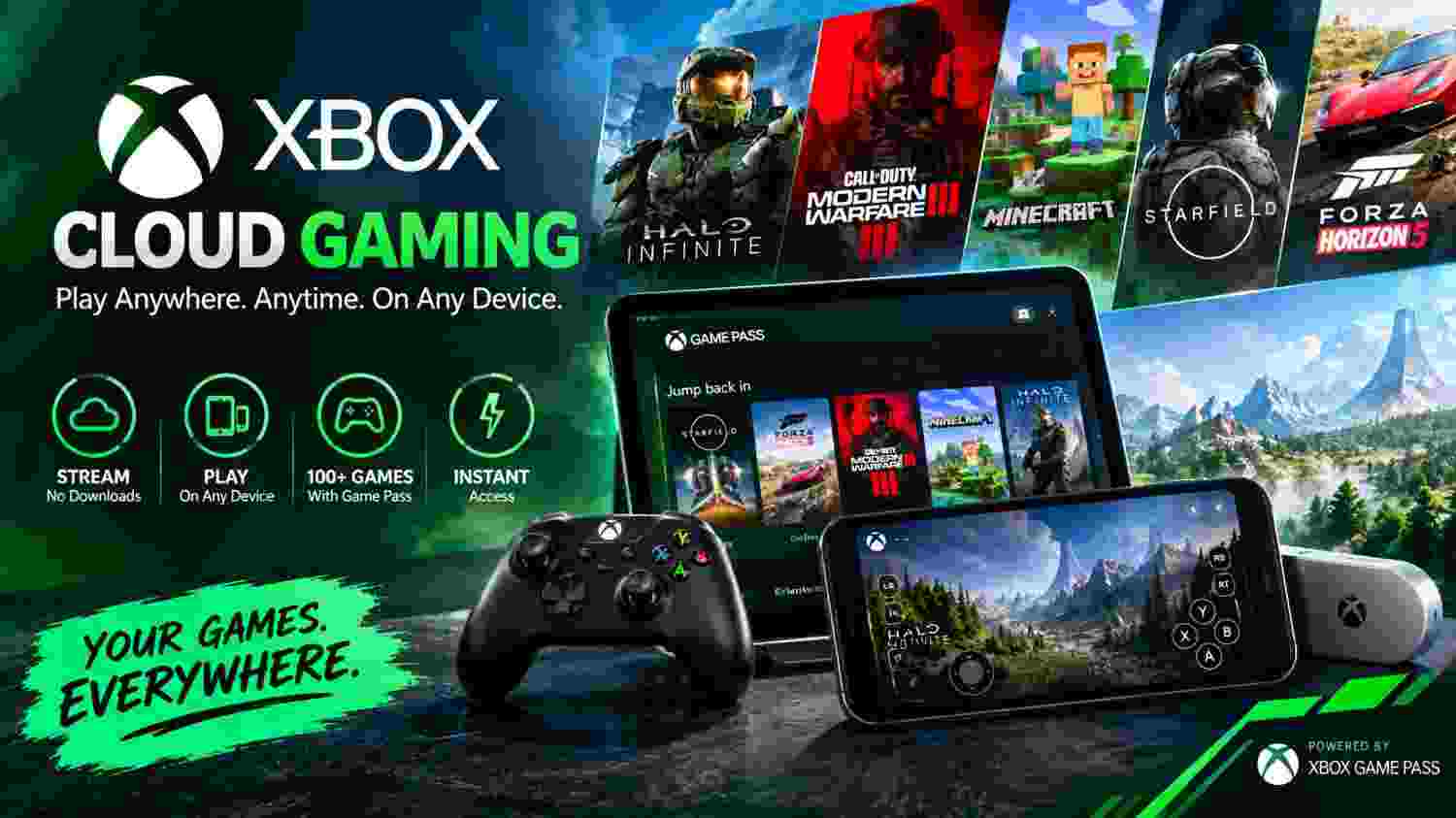
Xbox cloud gaming is Microsoft’s game-streaming service that lets you play console-quality titles on phones, tablets, PCs, and smart TVs without downloading a single file. Imagine it as Netflix for video games. The game runs on a powerful server in a Microsoft data center, and the video feeds straight to your screen in real time.
You skip the 100 GB downloads. You skip the expensive hardware upgrades. You just tap a game and start playing within seconds. Microsoft bundles this service inside Xbox Game Pass Ultimate, which already gives you access to a massive library of over 400 games.
How Does Xbox Cloud Gaming Actually Work Behind the Scenes?
When you press “play” on xbox cloud gaming, a request shoots to the nearest Microsoft Azure data center. A dedicated server blade fires up your game, renders every frame, and streams the video back to your device over the internet. Your button presses travel the opposite direction — from your controller back to that server — in milliseconds.
The entire loop happens so fast that your brain barely notices the distance. Microsoft uses custom Xbox Series X hardware inside those data centers, so the graphical quality matches what you would see on a physical console sitting under your TV.
How Much Does Xbox Cloud Gaming Cost You Per Month?
Here is the simple breakdown. Xbox cloud gaming does not sell as a standalone product. You get it automatically when you subscribe to Xbox Game Pass Ultimate.
| Plan | Monthly Price | Cloud Gaming Included | Game Library Size | Online Multiplayer |
| Game Pass Core | $9.99 | No | ~25 games | Yes |
| Game Pass Standard | $14.99 | No | 300+ games | Yes |
| Game Pass Ultimate | $19.99 | Yes | 400+ games | Yes |
| Game Pass PC | $11.99 | No | 300+ games | No |
Cloud streaming, the whole Game Pass library, EA Play, and online multiplayer are all available for $19.99 a month. That is cheaper than buying a single new AAA game at full price.
Does Xbox Cloud Gaming Have Input Lag or Latency Issues?
Honest answer: yes, a tiny bit. Because your inputs must travel to a remote server and return, every cloud service has some latency. On a strong connection, xbox cloud gaming latency sits around 40 to 80 milliseconds, which feels nearly identical to local play for most genres.
Fast-paced competitive shooters like Call of Duty might feel slightly less responsive than playing on a local console. Turn-based RPGs, racing games, and story-driven adventures run so smoothly you will forget the game lives in a data center hundreds of miles away.
Can You Play Xbox Cloud Gaming on a Phone or Tablet?
Absolutely, and this is where xbox cloud gaming truly shines. Your phone becomes a portable Xbox. Clip an Xbox controller to your phone with a telescopic mount like the Backbone One or the Razer Kishi, and you have a handheld gaming machine that rivals the Steam Deck in convenience.
Open Safari for iPads and iPhones, go to xbox.com/play, and add the page to your home screen.This creates a full-screen app-like experience that hides the browser toolbar and gives you maximum screen real estate for gaming.
How Does Xbox Cloud Gaming Compare to Other Cloud Services?
| Feature | Xbox Cloud Gaming | GeForce NOW | PlayStation Plus Premium | Amazon Luna |
| Monthly Price | $19.99 (Ultimate) | 9.99–19.99 | $17.99 | $9.99 |
| Game Library | 400+ included | Bring your own | 400+ included | 100+ included |
| Max Resolution | 1080p | 4K (Ultimate tier) | 1080p | 1080p |
| Touch Controls | Yes (select games) | No | Limited | Yes |
| Day-One Releases | Yes | No | No | No |
| Console Streaming | Xbox consoles | No | PS4/PS5 | No |
Xbox cloud gaming wins on value because the subscription includes the entire Game Pass library. GeForce NOW offers better raw graphics at higher tiers, but you must already own the games on Steam or Epic. PlayStation Plus Premium matches the library size but lacks the day-one release advantage Microsoft holds.
What Are the Best Tips to Improve Your Xbox Cloud Gaming Experience?
Squeeze every drop of performance out of xbox cloud gaming with these proven tricks:
- Use a 5 GHz Wi-Fi connection or plug in an Ethernet cable whenever possible.
- Close background apps on your phone or PC that eat bandwidth silently.
- Pick wired controllers over Bluetooth on PC to shave off a few milliseconds of input delay.
- Enable “Performance Mode” in the Xbox app settings on Android for lower resolution but higher frame rates.
- Restart your router once a week to clear cached data and reduce packet loss.
- Play during off-peak hours (early morning or late night) when server traffic drops.
These small adjustments turn a choppy session into a buttery-smooth one, especially on mobile networks.
Is Xbox Cloud Gaming Worth It for Casual and Hardcore Gamers?
For casual players who game a few hours a week, xbox cloud gaming is a no-brainer. You pay less than a movie ticket per week and get instant access to hundreds of games on a device you already own. No console purchase, no storage headaches, no update nightmares.
Hardcore gamers benefit differently. Cloud streaming lets you keep your save progress going on a phone while your main rig downloads a massive update. It also serves as a perfect backup when your console decides to overheat right before a raid night. Microsoft confirms that cloud saves sync automatically across all platforms so your progress follows you everywhere.
Grab Your Controller and Start Playing Today
You now know exactly how xbox cloud gaming works, what it costs, which devices support it, and how to fix the lag that drives most players crazy. The only thing standing between you and 400+ instantly playable games is a five-minute setup.
Stop scrolling. Open xbox.com/play, sign up for Game Pass Ultimate, connect your controller, and load up your first game tonight. Your couch, your commute, and your lunch break just became a lot more fun.
🎮 Want More Guides?
Explore more tips, codes, patches and gaming guides in our Blog Arena.
▶ Browse All Quests